How to Organize Vehicle Documents Digitally: A Practical Guide
Build a practical digital vehicle-document system, understand which German originals still matter, protect sensitive files, and verify AI-assisted extraction.
By the Fahrnex Editorial Team · Reviewed by Umme Hanna Meskat
Vehicle paperwork is easiest to manage when every file has a clear home, a consistent name, and a reliable backup. A digital archive can make service invoices, inspection reports, insurance correspondence, repair receipts, and warranty records easier to retrieve without turning one large cloud folder into a new version of the paper pile.
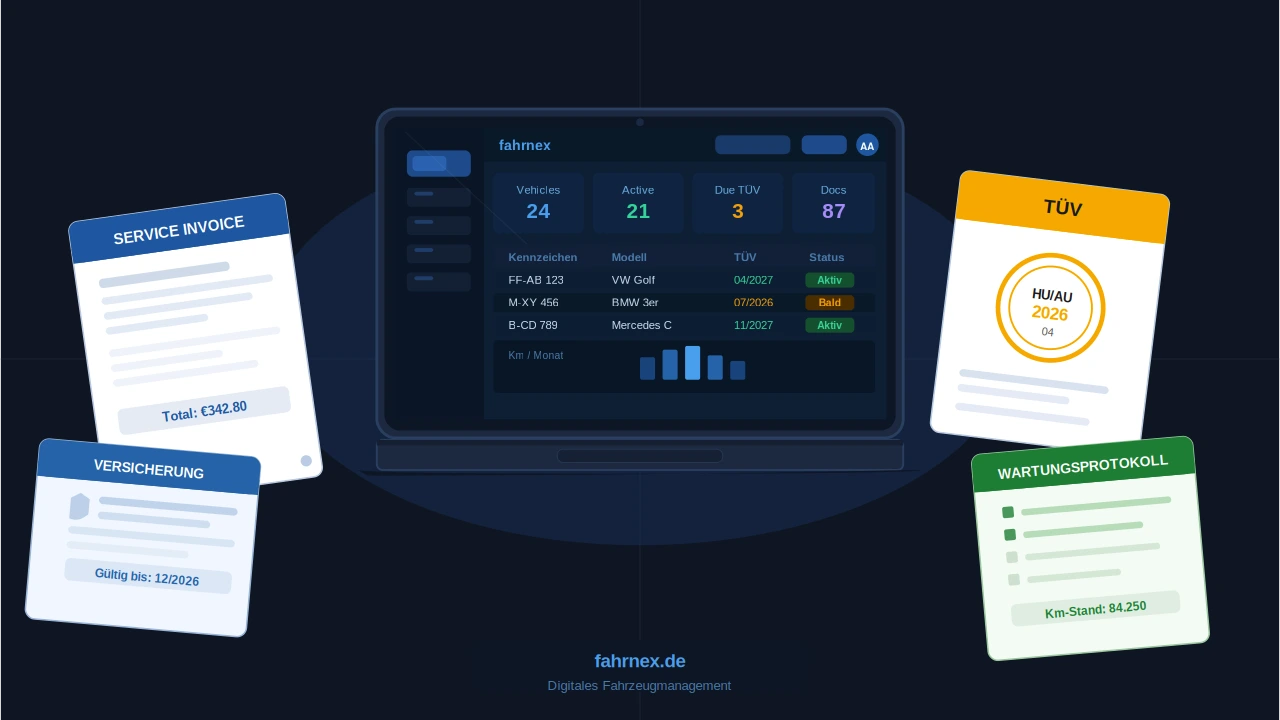
This guide gives private vehicle owners and small fleets a practical system for organizing vehicle documents digitally in 2026. It also explains which original German vehicle documents still matter, how to protect sensitive files, and where document-assisted automation can help without replacing human review.
The short answer: use one record per vehicle
Create one digital profile or top-level folder for each vehicle. Inside it, use a small set of stable categories, name every file with the date and document type, record the next action separately, and maintain a backup. Keep legally important originals even when you have scanned them.
A workable structure looks like this:
Keep the next vehicle deadline visible without scattered paperwork.
Fahrnex connects reminders, documents, and service history so inspections and maintenance are easier to plan before they become urgent.
Create a free accountDigital copies do not automatically replace official originals
A scan is useful for retrieval and backup, but it should not be treated as a universal legal substitute. Requirements vary by document and by the process in which it is requested.
When an authority, insurer, lender, buyer, accountant, or workshop requests a document, confirm the accepted format for that specific transaction.
Which vehicle documents should you organize?
Registration and identity records
Store reference copies of Teil I and Teil II in clearly separated categories. Avoid placing the Teil II original in the vehicle. Record the VIN and registration number as searchable metadata, but restrict access because these documents also contain personal and vehicle-identifying information.
HU and inspection records
Keep the current HU report, any defect report, evidence of repairs, and follow-up inspection documents together. Add the next inspection month as a reminder rather than relying on the filename alone.
Service invoices and repair records
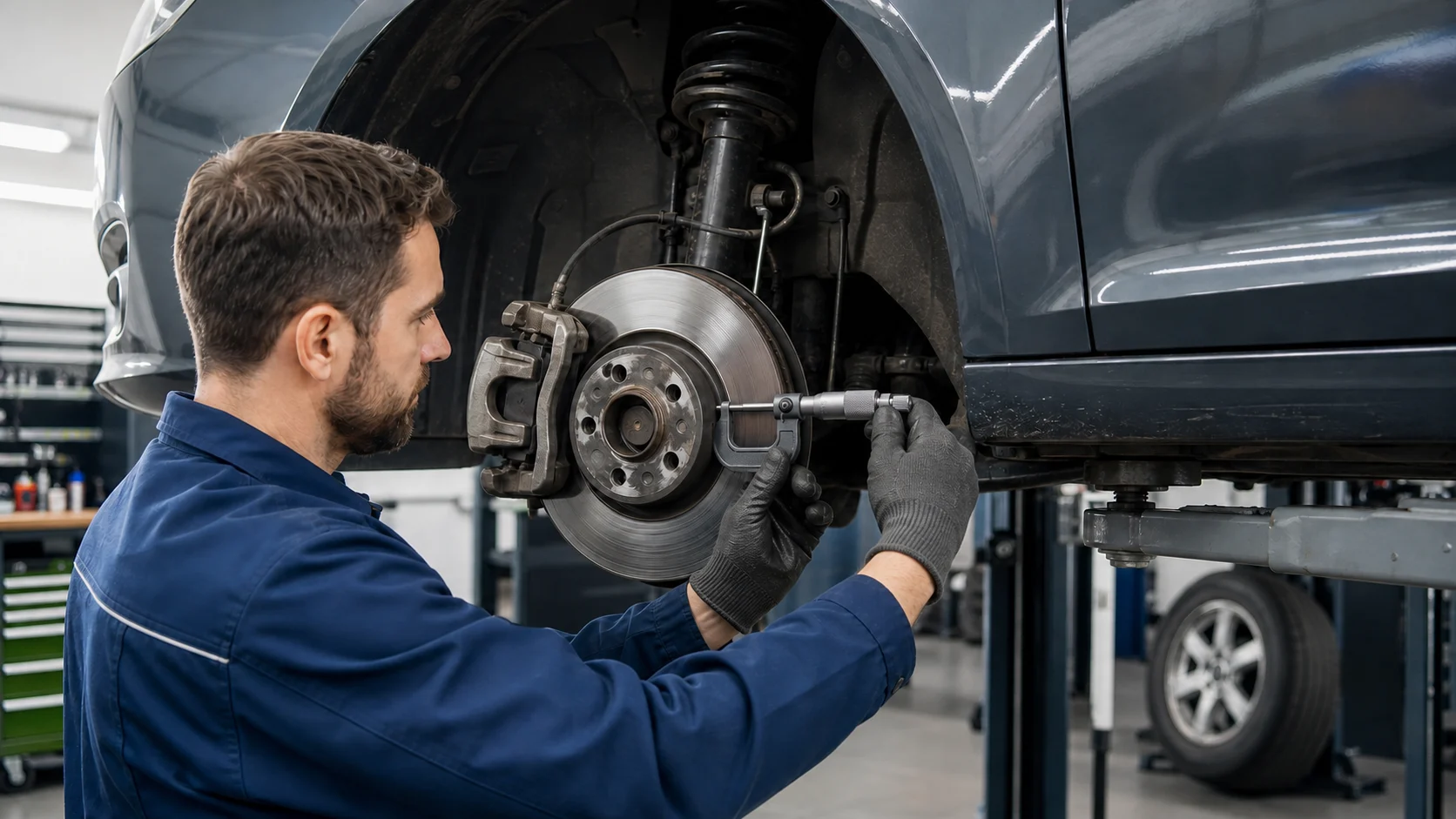
For each visit, capture the service date, odometer reading, workshop, work performed, parts, cost, and invoice. These records make the maintenance timeline easier to understand and can support a transparent discussion with a future buyer. They do not independently prove the condition of the vehicle.
Insurance and claims
Keep the current policy, useful correspondence, renewal date, claim number, accident documentation, invoices, and settlement records. Remove obsolete duplicates when they no longer serve a contractual or legal purpose.
Warranty, tires, and accessories
Store warranty conditions, purchase receipts, serial numbers, tire invoices, wheel specifications, and documents for significant accessories or modifications. Record expiry dates as reminders.
A seven-step vehicle document workflow
1. Gather files without reorganizing them immediately
Collect papers, email attachments, phone photos, downloads, and existing cloud files into a temporary inbox. This prevents files from being missed while you build the final structure.
2. Separate records by vehicle
Use the registration number or a short internal vehicle name. For a fleet, use a stable asset identifier so a registration-number change does not split the history.
3. Use a predictable filename
A simple format sorts chronologically and remains understandable outside the original app:
YYYY-MM-DD_vehicle_document-type_provider_short-description.ext
Example: 2026-08-14_F-AB123_service-invoice_Autohaus-Muster_oil-service.pdf
Do not put unnecessary personal data, policy numbers, or full VINs into filenames if files may appear in shared views or notifications.
4. Make scans readable
5. Record structured facts separately
A PDF preserves the evidence; structured fields make it actionable. For a service invoice, record the date, mileage, workshop, amount, work performed, and next due date. For an HU report, record the inspection date, result, identified defects, and next due month.
6. Turn dates into reminders
Create reminders for HU, service intervals, insurance renewal, warranty expiry, seasonal tire work, and any repair follow-up. Check the source document before saving a due date—automated extraction and manual typing can both be wrong.
7. Back up and review the archive
The German Federal Office for Information Security (BSI) recommends deciding which files require backups and checking a cloud provider's privacy terms and encryption for transmission and storage. Maintain a recovery copy appropriate to the sensitivity of the documents, and periodically test that important files can be opened.
Security and privacy checklist
Vehicle documents may contain names, addresses, signatures, policy details, registration numbers, and VINs. Treat the archive as sensitive personal information.
The BSI recommends two-factor authentication where available and notes that encryption helps protect personal information. Security depends on the entire workflow, including the account, device, sharing settings, and backup—not only the storage location.
How document-assisted extraction can help
Readable invoices, registration records, insurance documents, and HU reports contain information that can be suggested as structured records. Depending on the document, Fahrnex can prepare suggestions such as:
Extraction is an assistant, not an authority. Scan quality and document layout affect the result. Fahrnex presents suggestions for review so the user can edit, accept, or reject them before selected records are written. Always compare important dates, amounts, mileage, VINs, and registration numbers with the original.
Using Fahrnex as the vehicle workspace
Fahrnex connects uploaded documents with the relevant vehicle, service history, expenses, insurance records, reminders, and timeline. A practical routine is:
This approach keeps the source file and the operational record connected without pretending that automation replaces legal documents or human verification.
Quarterly review checklist
Final takeaway
A useful digital vehicle archive is more than a folder of scans. It combines readable source files, consistent naming, vehicle-specific categories, verified structured facts, reminders, controlled access, and backups. Start with one vehicle and the current documents, then add older records as they become relevant.
Fahrnex can keep those documents alongside maintenance, costs, reminders, and vehicle history. Create a Fahrnex account to build your first vehicle record, and continue keeping any originals required for driving, inspection, registration, insurance, warranty, or another official process.
Sources and methodology
The legal distinctions in this guide were checked against the current German federal vehicle rules and service portal. Security recommendations were checked against BSI consumer guidance. Fahrnex workflow descriptions were verified against the implemented document upload, extraction, review, and confirmation flow. This article provides general organizational information, not individualized legal, insurance, tax, or security advice.
Frequently asked questions
What vehicle documents should I keep digitally?+
Useful digital records include service invoices, repair records, HU reports, insurance correspondence, warranty documents, tire records, and reference copies of registration documents. Keep required or authoritative originals as well.
Can a digital copy replace the Zulassungsbescheinigung?+
Do not assume so. The federal service portal says Teil I must be carried while driving, while Teil II should be kept securely and not carried in the vehicle. A scan is useful for reference and recovery but is not a universal substitute for the required original.
How long must I keep the HU report?+
Section 29(10) StVZO requires the vehicle holder to retain the HU inspection report at least until the next main inspection. Other documents can have different contractual, warranty, tax, or business retention needs.
What is a good filename for vehicle documents?+
Use a stable format such as YYYY-MM-DD, vehicle identifier, document type, provider, and a short description. Avoid unnecessary personal data or complete identifiers in filenames.
Should I trust automatically extracted vehicle-document data?+
Treat extracted fields as suggestions. Compare dates, amounts, mileage, VINs, registration numbers, and due dates with the original document before accepting them.
Fahrnex note
The calmest maintenance decisions usually come from keeping dates, receipts, and service history connected instead of scattered.
About this article
Fahrnex evidence check
Editorial evidence: digital vehicle document organization
Reviewed against German federal vehicle-document rules, BSI consumer security guidance, and the implemented Fahrnex document review workflow. Digital copies are described as organizational aids rather than universal replacements for originals.
| Claim reviewed | Editorial finding | Basis |
|---|---|---|
| Registration documents | Teil I must be carried when driving; Teil II should be stored securely outside the vehicle. | German federal service portal and FZV §14 |
| HU report retention | The holder must retain the inspection report at least until the next HU. | StVZO §29(10) |
| Cloud and backup safety | Check provider terms and encryption, maintain backups, and protect account access. | BSI consumer guidance |
| Document extraction | Fahrnex creates suggestions that the user can edit, accept, or reject before records are written. | Verified Fahrnex implementation and tests |
Publication review completed
- Distinguished digital reference copies from required official originals.
- Removed absolute security, resale-value, and compliance claims.
- Verified the Fahrnex document extraction and user-confirmation workflow.
- Added an actionable filing, naming, scanning, reminder, backup, and access-control process.
- Checked SEO title, description, FAQ answers, source links, and English locale.
Editorially reviewed on 28 August 2026. Sources:
The editorial team checked official sources against the Fahrnex product methodology. This article is not a substitute for case-specific technical, legal or tax advice.